2013

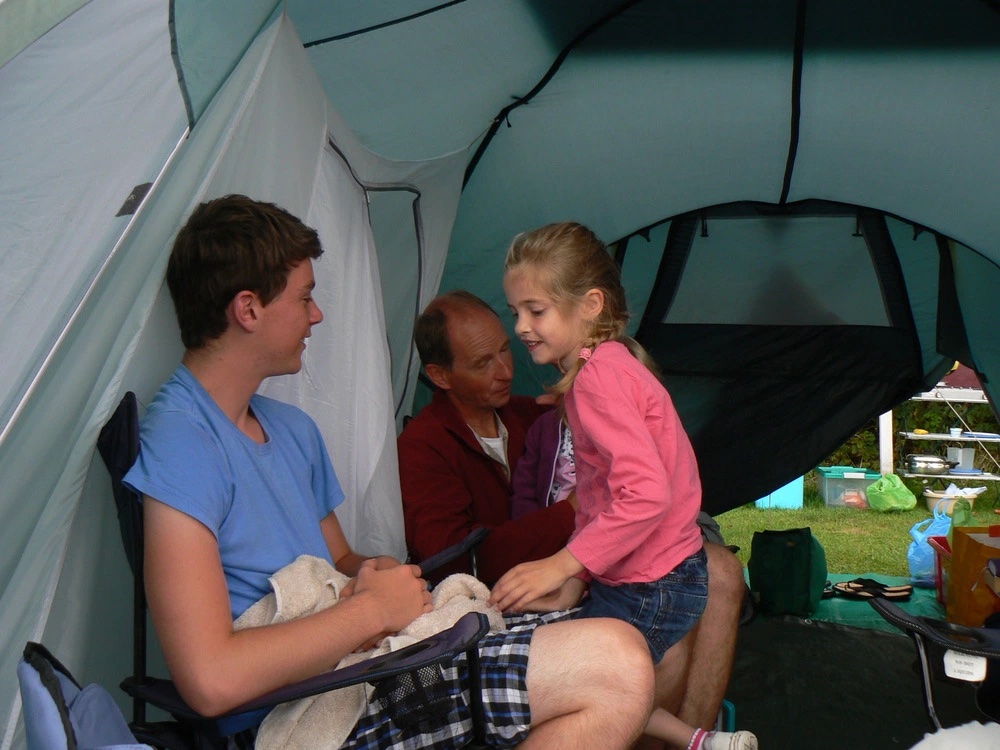
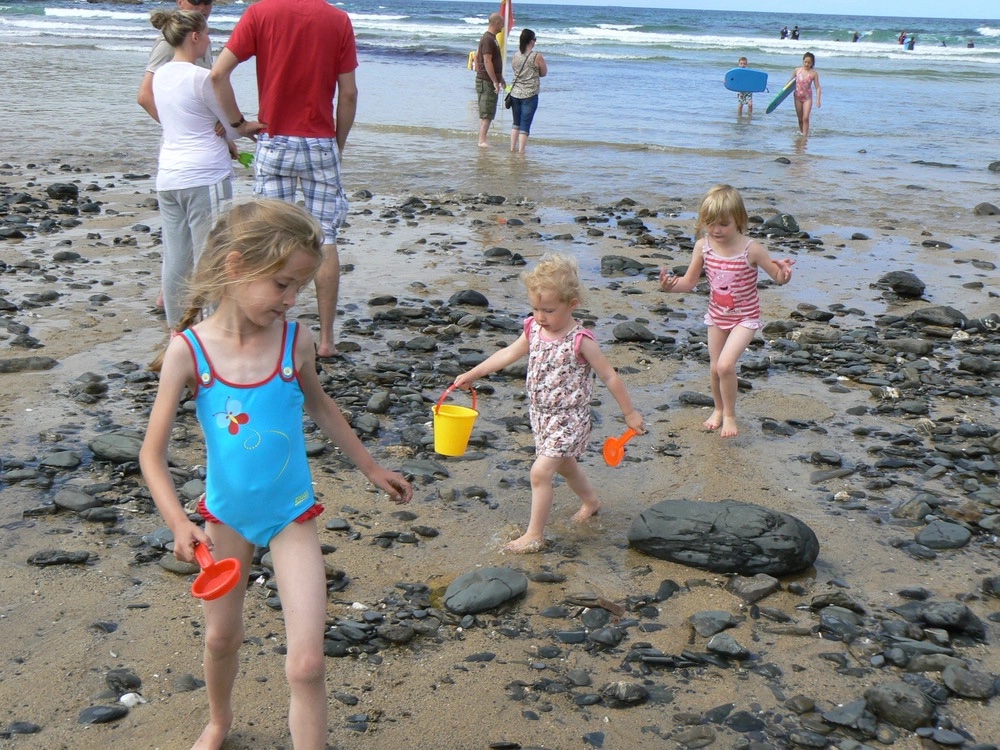

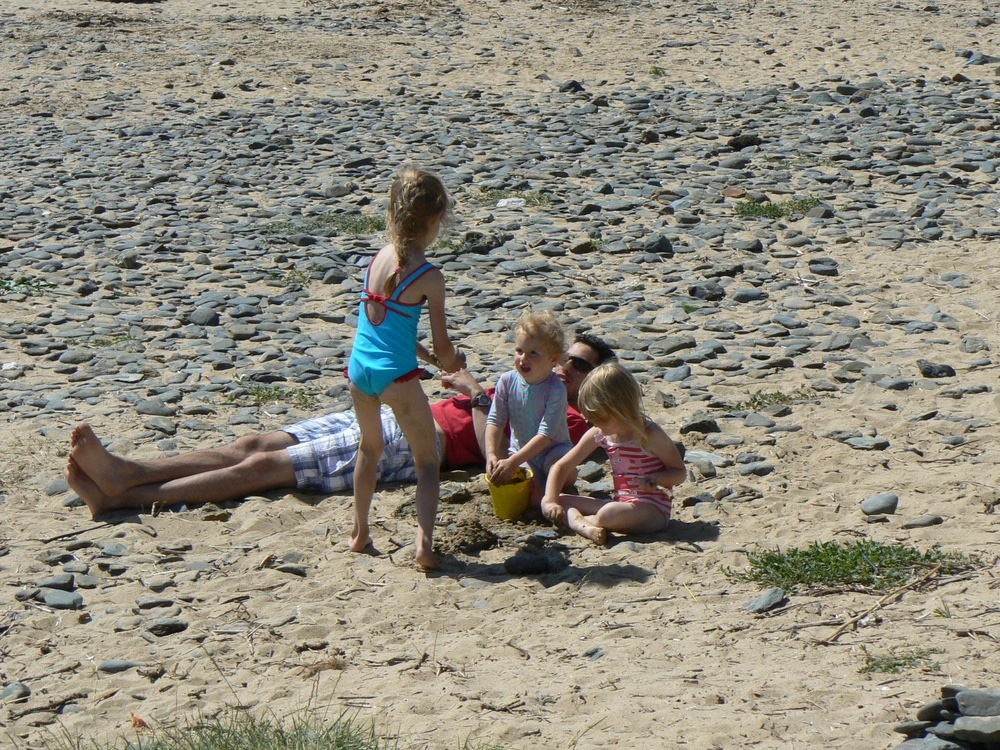
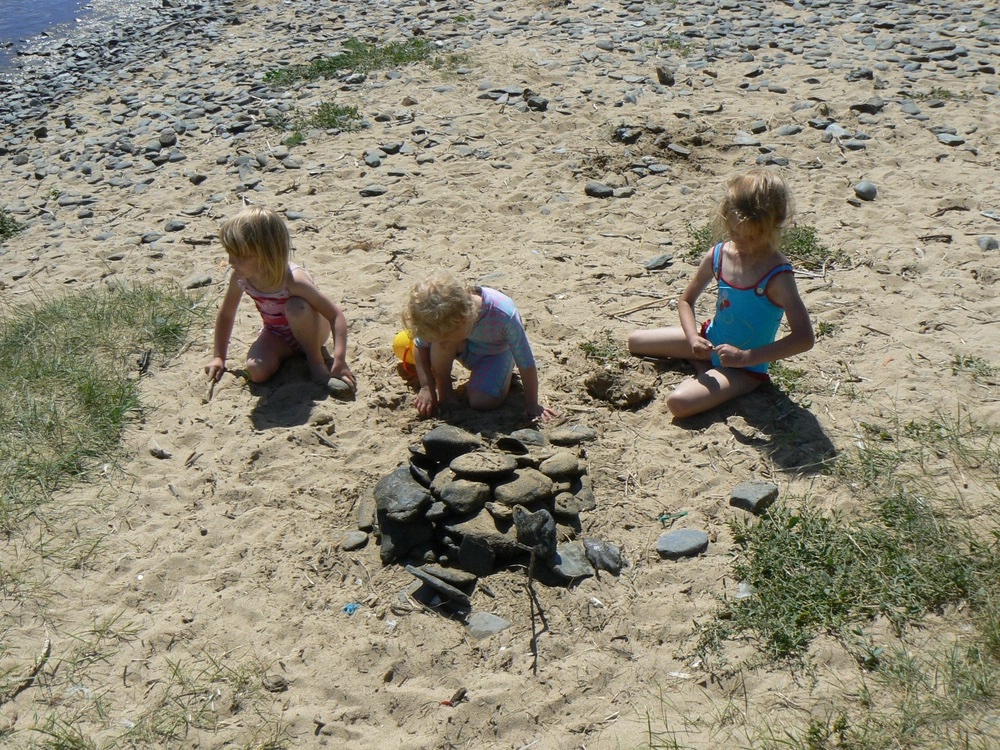
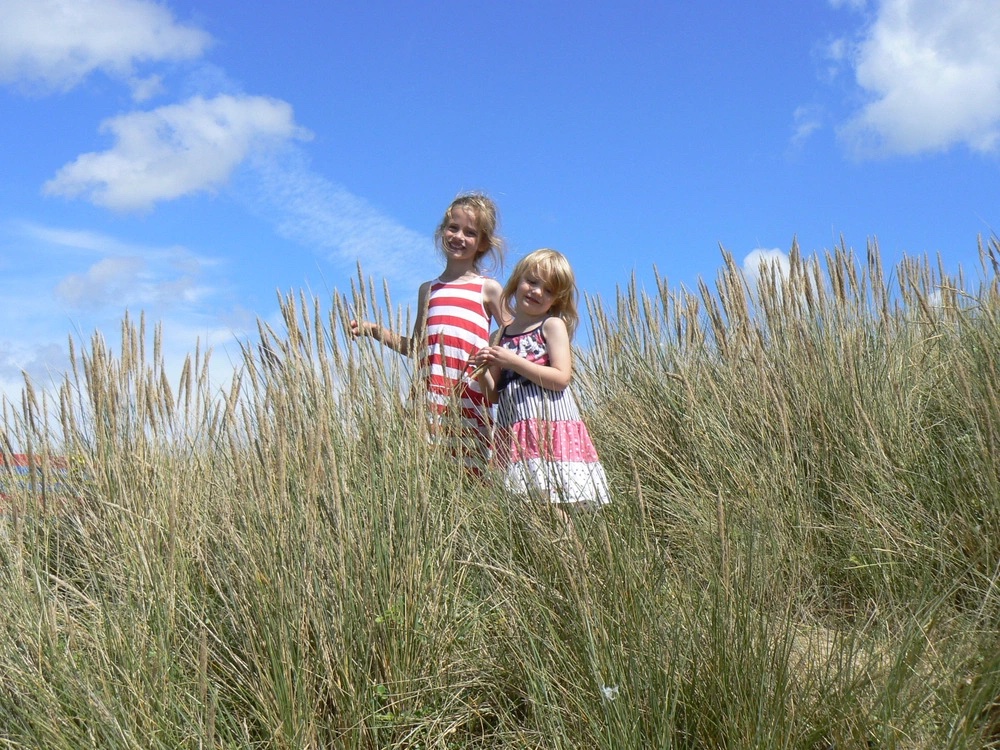



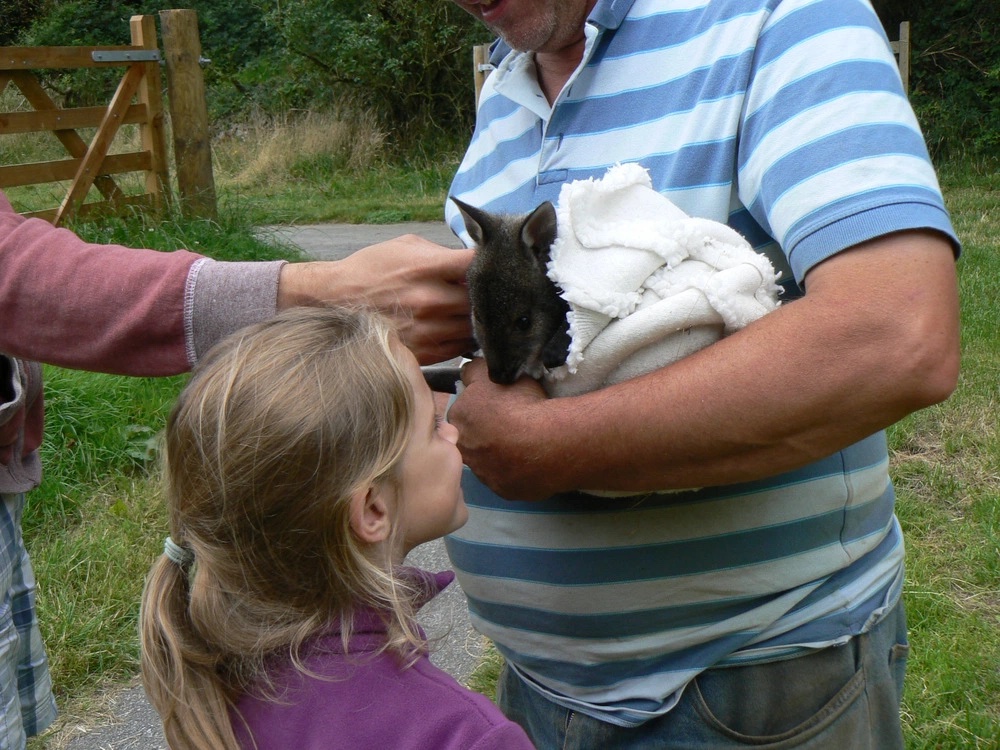

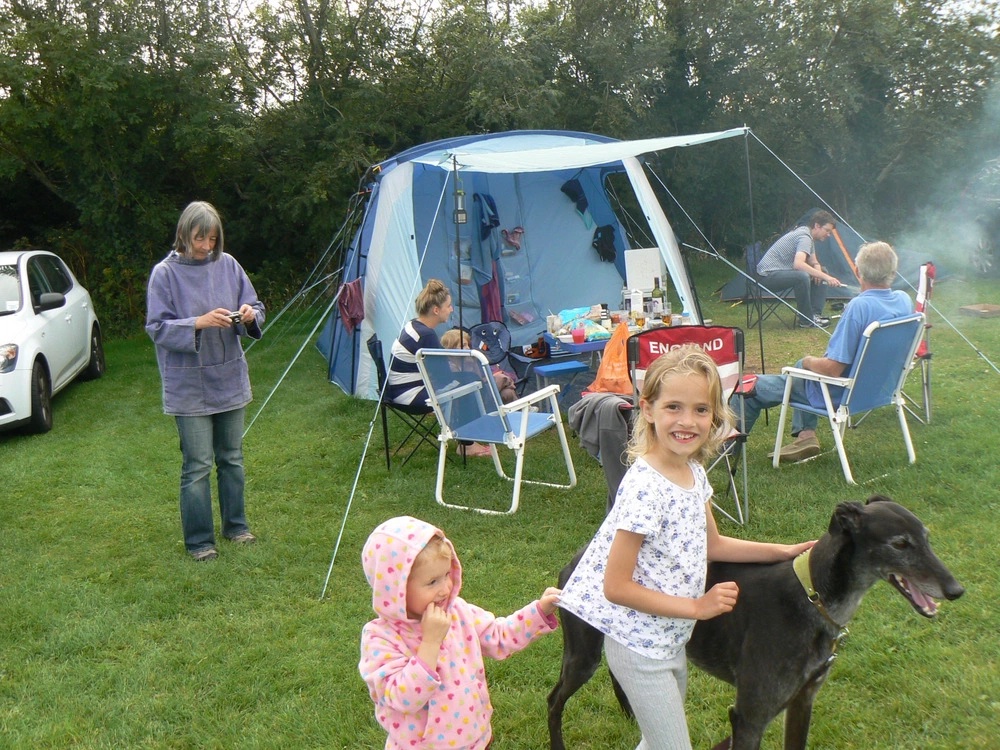


First day of school

Jessica on her first day at school
Great afternoon for a bike ride on Southsea Common
Blog hosting wonderings...
A while back I had an e-mail from my web hosting company saying they were increasing the price for the package I was using. This got me thinking about whether the route I'd taken for hosting was the best option and if I'm getting my money's worth there. For reference I had a reseller hosting package, hosting a few sites for family members using not very much disk space or bandwidth - certainly not near the allowance on the package. So I started thinking about what I would do if it was just my site, and this is my thinking out loud/somewhere to document my ideas/findings:
Requirements
Host a blog
Easy to update
Ability to experiment with styling
Use my existing URLs
After considering a few options including wordpress.com, github pages, Scriptogr.am, my Raspberry Pi and various static site generators - I decided to move my sites to run on a Droplet at DigitalOcean which gives me the flexibility I want for my site, whilst still being able to host the other sites in the same place.
Currently I'm still using WordPress for my blog, but I'm experimenting with a static site generator for the next round of changes :)
Measure sunlight with Raspberry Pi
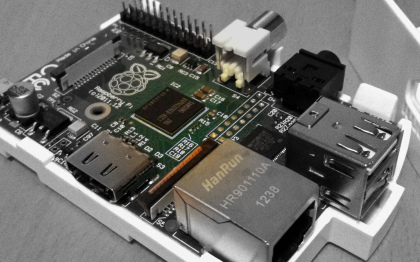
For Christmas the girls gave me a Raspberry Pi, and for my first project I decided to try recording how bright the sunlight at our window is using an old Webcam.
The basic idea is:
Capture a photo
Analyse the brightness of the photo
Log it (and eventually publish to cosm)
So first of all getting the webcam set up - My webcam is a Logitech Quickcam Express, which proved to work nicely with the Raspberry Pi, after plugging it in, it showed up straight away in the output to lsusb:
ricky@pi ~ $ lsusb Bus 001 Device 001: ID 1d6b:0002 Linux Foundation 2.0 root hub Bus 001 Device 002: ID 0424:9512 Standard Microsystems Corp. Bus 001 Device 003: ID 0424:ec00 Standard Microsystems Corp. Bus 001 Device 004: ID 046d:0840 Logitech, Inc. QuickCam Express
To get the photo from the webcam I used fswebcam which was simple to install (sudo apt-get install fswebcam) and use:
fswebcam --no-banner -d /dev/video0 webcam.jpg
The no-banner removes the default date and time at the bottom of the image, /dev/video0 is where the webcam appeared and webcam.jpg is the file to save the image to.
I found a python function to calculate the brightness of the image from StackExchange so put it all together and here is the python script I'm using:
<code class="language-python">
#!/usr/bin/python
import Image
import ImageStat
import math
import os
import datetime
os.system("fswebcam --no-banner --scale 50x50 -d /dev/video0 webcam.jpg")
im = Image.open("webcam.jpg")
stat = ImageStat.Stat(im)
r,g,b = stat.mean
brightness = math.sqrt(0.241*(r**2) + 0.691*(g**2) + 0.068*(b**2))
dt = datetime.datetime.now().strftime("%Y%m%d-%H:%M:%S")
data = '%s,%sn' % (dt, brightness)
open("brightness.csv", 'a').write(data)
</code>
It could be tidied up quite a bit and I'm sure there's a way to capture the image within Python without having to write it to disk first as well. My first days readings taken every 10 minutes look something like this: //